
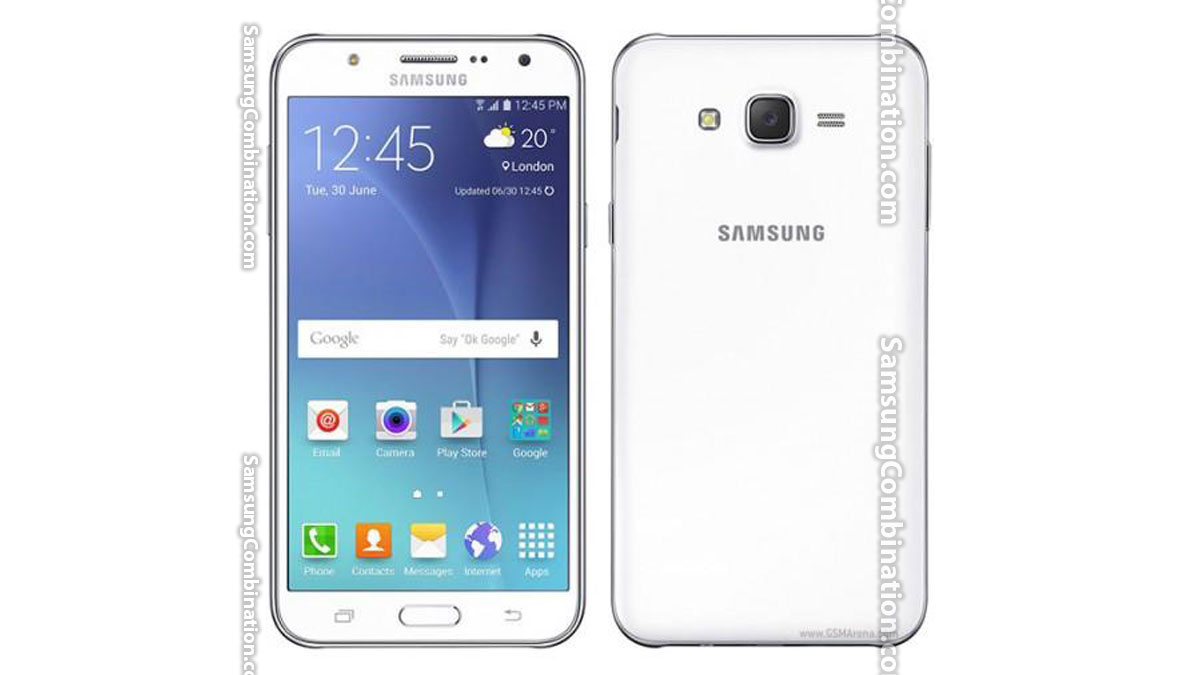
Samsung J7 J700T Combination file Free Download latest Bootloader J700T U1 J700T U2 J700T U3 Factory Binary S2 S3 Samsung SM-J700T combination file with Android version Marshmallow 6.1.2. In case you didn’t find J700T supporting combination file hence you can Remove Google Account or Bypass FRP Samsung J7 700 Without Combination file.
[samsung_top]
Samsung SM-J700T U1 Combination file Binary 1 Marshmallow 6.1.2, Samsung SM-J700T U2 Combination file Binary 2 Marshmallow 6.1.2, Samsung SM-J700T U3 Combination file Binary 3 Marshmallow 6.1.2,
Table of Contents
Samsung J7 J700T Combination Firmware
This Combination firmware only can be used on Samsung J7 J700T J700 700 and android version Marshmallow 6.1.2.
Samsung J7 all models combination file list
As you know in this page you will get only SM-J700T combination files similarly here is the latest complete list Samsung Galaxy J7 with Android Marshmallow 6.1.2.
- J7008 combination file Samsung J7
- J700F combination file Samsung J7
- J700H combination file Samsung J7
- J700M combination file Samsung J7
- J700P combination file Samsung J7
[samsung_mid1]
Samsung Galaxy J7 J700T Combination file
FAQ – – Frequently Asked Questions about J7 J700T
[samsung_mid2]
While flashing SM-J700T with a combination file you may face this issue which requires a verified PIT file. You can follow the complete process of J7 to Fix Please get the approval to use factory binary (Pit).
After flash a Samsung combination file You must flash Samsung 700 with official stock firmware. Therefore just follow the Samsung J700T Flash Official Stock Firmware to make your device like before.
Most importantly, If you want to Remove Samsung J700 Google Account or FRP lock with Samsung combination file or without combination ROM. Just follow the simple process.
You can flash Samsung J700 with Samsung combination file by using Samsung Odin3. We have complete steps to flash combination ROM. This J700T FRP file is used when J7 is FRP locked or for check complete hardware.
Cautions:
Cautions: Make sure J700T battery is charged more than 74%, Always check model and bootloader before downloading SM-J700T the combination ROM. You need to install Samsung USB Driver before flashing J700T combination firmware.
Conclusion: Above all files for J700T are free to download for the reason that you can download the files without any charges.
[samsung_bottom]
Related Combination Files:
- How to install Windows 10 or 11 M1 M2
- G928T Combination file | Samsung S6 Edge Plus
- A516V Combination file | Samsung A51
- A516B Combination file | Samsung A5 2016
- G900AZ G900A Combination file | Samsung S5
- G360AZ Combination file | Samsung Core Prime 4g
- N970F Combination file | Samsung Note 10
- G955W Combination file | Samsung S8 Plus
- G935W Combination file | Samsung S7 Edge
- G6000 Combination file | Samsung On7
